Signature logo
A signature logo, in your own handwriting.
Draw your name once and download it as a logo: a transparent PNG for watermarks and profiles, a vector SVG for print and your site, and an animated version that writes itself out for video intros and your website header. Add a line underneath such as your craft, studio or title.

Examples
Signature logo styles
The same drawn name in each look. Classic White and Ink on Paper read as a logo; Gold Foil, Neon Blue and Rose suit a brand with more colour. Click a style to try it on your own name.

Cinematic White
White ink and a comet pen that streaks teal at speed.

Soft Glow
White ink with a soft halo.
Classic White
Clean white ink, no glow.
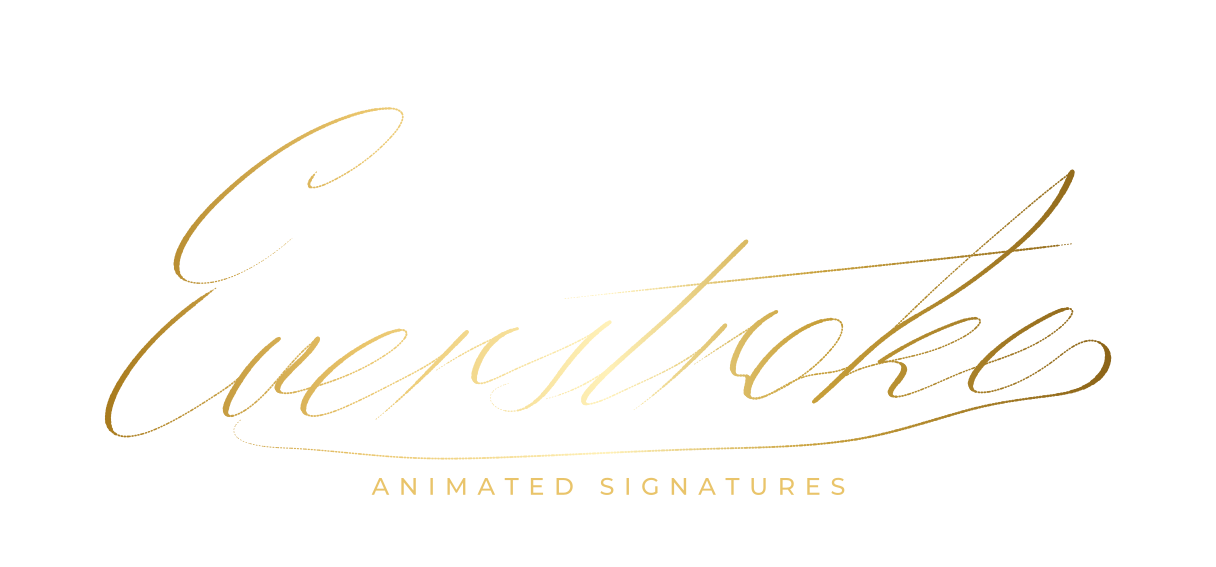
Gold Foil
A warm metallic gradient across the name.
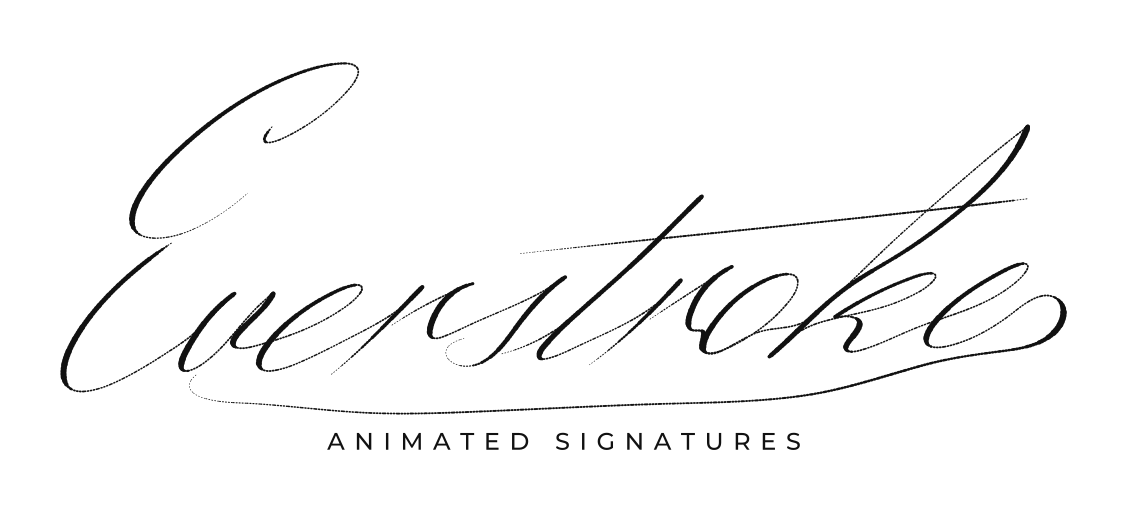
Ink on Paper
Dark ink on a paper background.
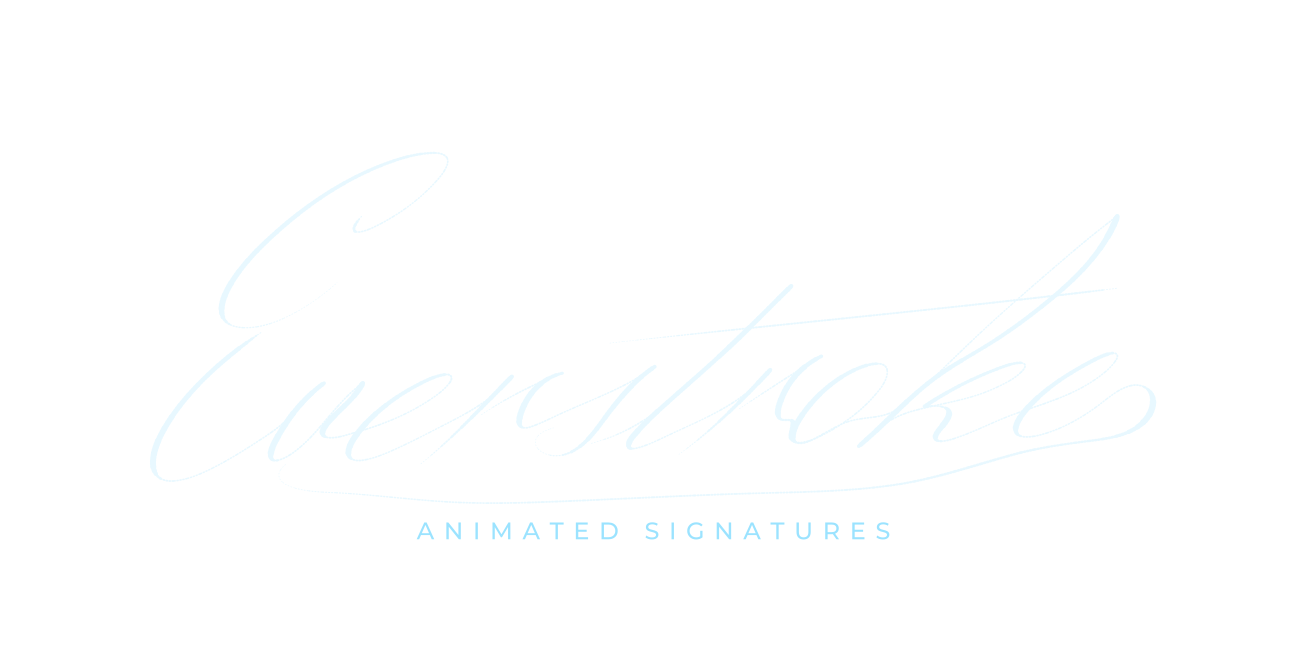
Neon Blue
Pale blue ink with a bright blue glow.
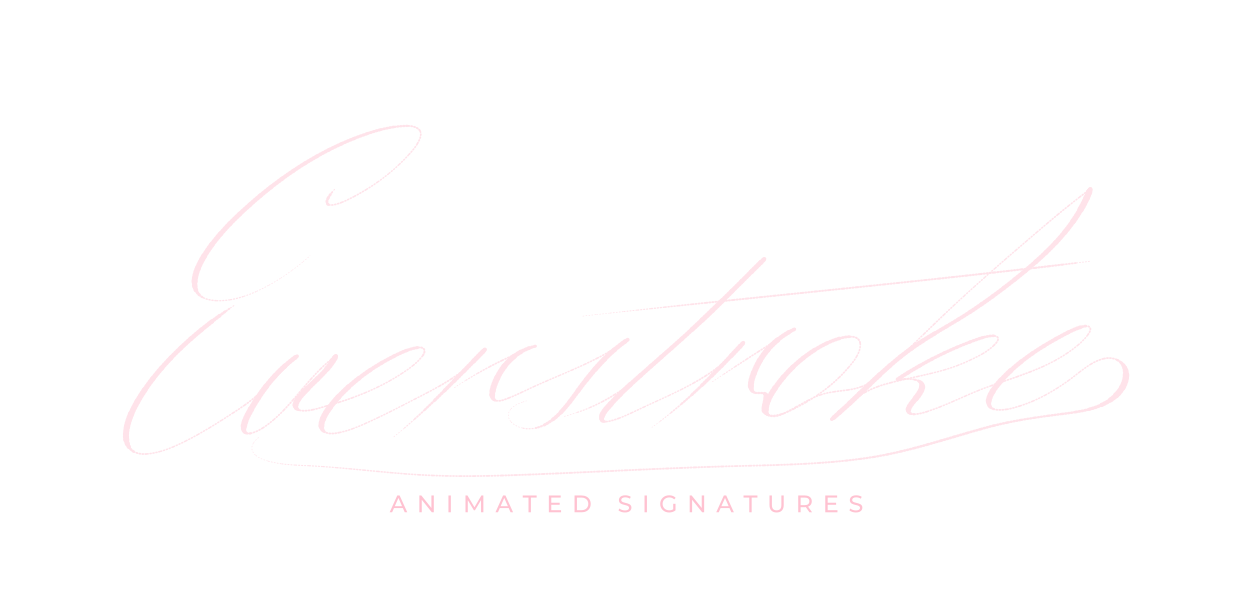
Rose
Pale pink ink with a pink glow.
How it works
How to make a signature logo
01
Draw your name
Sign the way you want your brand to look: bigger loops and a steady pace read better as a logo than a quick legal scrawl. Steady hand smooths the line, and you can reshape any curve by its points.
02
Add the line underneath
Type “Photography”, “Coaching”, “Realtor”, your studio name or your handle, then choose its font, size, spacing and the gap to the signature. Pick a look such as Classic White, Ink on Paper or Gold Foil.
03
Download the logo kit
Choose Print / static logo for the PNG and vector SVG, then Website or your video app for the animated version. Every format is included, free, and you can restyle it later.
Formats
Signature logo files you download
PNG
3000 px wide with a transparent background, for watermarks, print, avatars and documents.
Static SVG
Vector outlines of the finished logo, sharp at any size, for print, your site and design tools.
Animated SVG and Lottie
The logo writing itself out, as a vector animation for websites and apps.
MP4 and overlay MP4
1080p at 30 or 60 fps, in 9:16, 4:5, 1:1 or 16:9, for intros, outros and Reels.
Setup guides
Where to use a signature logo
The still files go where a logo goes; the animated files go where a logo reveal does.
Photos and watermarks
- Use the 3000 px transparent PNG as a watermark in Lightroom, Photoshop or your phone editor.
- Keep it small and in a corner; a signature reads even at 10% of the frame width.
Website, email and profiles
- Put the animated SVG in your site header or about page; it plays in a plain <img> tag.
- Use the PNG or static SVG as a favicon source, a social avatar or in your email signature.
Video intros and outros
- Export the 9:16 or 16:9 MP4 for a two-second intro, or the overlay MP4 to place over your own footage.
- In CapCut, add it as an overlay with the Screen blend mode for light ink.
Questions
Signature logo questions
What is a signature logo?
A logo made from your handwritten name, usually with a short line underneath such as your craft or studio name. Photographers, artists, coaches, real-estate agents and creators use them because a signature is personal and hard to copy.
Is a drawn signature logo better than a signature font?
A font is shared by everyone who uses it; a drawn signature is yours alone, and the animated version replays the strokes you actually made. If you’re not confident drawing on a trackpad, trace a photo of your signature on paper.
Can I get a vector file?
Yes. The static SVG is the finished logo as vector outlines, and the animated SVG is the reveal as vector animation. Both open in Illustrator, Figma and Affinity.
Can I use the signature logo commercially?
Yes, it’s your signature. Use the files on client work, products, your site and your channels.
Can I change the text or look later?
Yes, for free, as often as you like, from My signatures on any device. Re-download every format each time.
Is the signature logo maker free?
Yes. The logo kit (PNG, SVG and the animated versions) downloads free, without an account, and the files are yours to use commercially.
Ready when you are.
Draw your signature, free